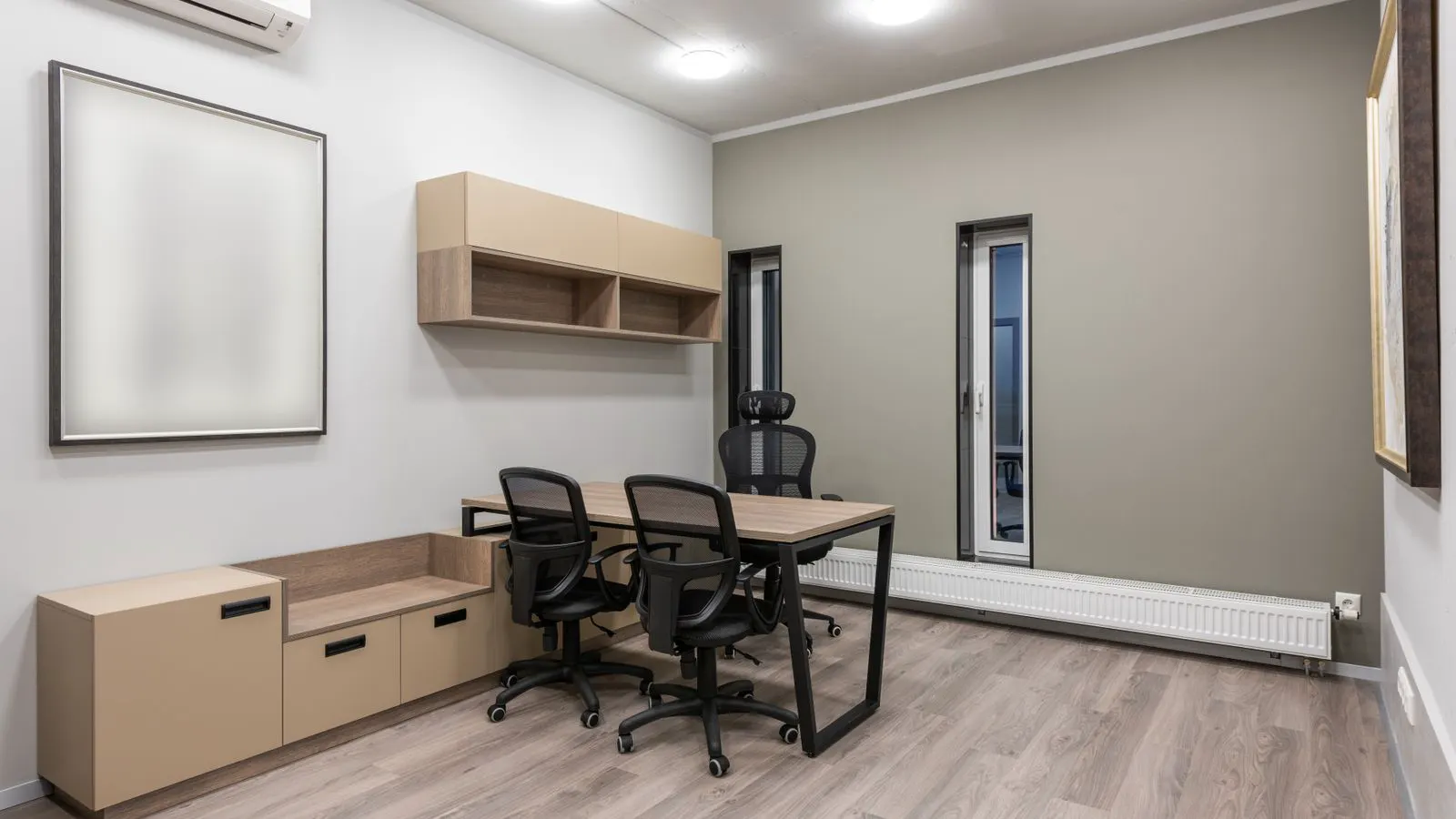
Most ergonomic chair assembly faults stem from loose fasteners, misaligned mechanisms, or damaged gas cylinders. This guide lists common symptoms, likely causes, and practical fixes. It also covers prevention steps for facilities staff managing office furniture installation and chair repair.
- Check gas lift and tilt tension before replacing parts.
- Tighten casters and frame bolts in a specific sequence to reduce wobble.
- Inspect plastic clips and metal brackets for cracks before reassembly.
- Keep spare parts and torque settings documented for faster chair repair.
- Prevent recurring faults by standardizing installation checks across workstations.
Why Ergonomic Chairs Fail During Assembly
Facilities staff often receive task chairs with visible defects after initial setup. The gas cylinder may not extend fully. The tilt mechanism can stick or release too early. Casters might drag across flooring, or the seat may shift sideways when the user leans back.
These issues usually trace back to three sources. Manufacturing tolerances allow small gaps in plastic housings. Shipping can stress metal frames. Installation mistakes, such as skipping a step or overtightening a bolt, create long-term stress points.
Before ordering replacements, verify the fault with a simple checklist. Confirm the chair is on level ground. Remove the user weight. Inspect each subsystem: gas lift, tilt, casters, and backrest. Most repair jobs require only adjustment, not replacement. A chair that looks broken at first glance frequently functions correctly once the base is seated properly or the tension knob is turned by a few degrees. The goal is to isolate the specific component causing the failure before spending time or money on unnecessary parts.
Symptoms of Misaligned Gas Lifts
The gas lift is the most frequent point of failure. It controls seat height and supports the weight of the user and mechanism. When the cylinder leaks or the piston seal wears out, the chair sinks slowly when occupied.
A common symptom is uneven height between the left and right casters. This usually indicates the cylinder is not seated correctly in the base. The plastic sleeve may be cracked, or the metal rod may be bent. If the cylinder is crooked, the entire upper assembly leans. This puts uneven pressure on the armrests and the tilt mechanism, leading to secondary failures that are difficult to diagnose.
Another sign is a loud hiss or clicking sound during height adjustment. This points to a failing seal. If the chair rises but does not hold position, the internal piston is not gripping the gas. Listen carefully while lifting the chair by the seat. A consistent hiss suggests a leak. Intermittent clicking can indicate debris inside the cylinder or a worn internal stop.
Check the connection between the cylinder and the base. The cylinder must click into the center of the five-star base. If it sits crooked, the armrests and backrest will feel unstable. Remove the chair, clean the contact points, and reseat the cylinder. Use a clean cloth to wipe the metal rod and the base socket. Oil or dust here prevents the proper seal. If the cylinder sinks under a light weight, such as a single tool or a small object, replace the unit. Do not try to force it up or down repeatedly, as this accelerates seal failure.
Fixing Stiff or Unresponsive Tilt Mechanisms
The tilt mechanism controls recline and tension. It contains springs, a cam, and a tension knob. When the mechanism sticks, the user cannot recline comfortably. When it is too loose, the backrest folds forward too quickly.
The tension knob is the most common adjustment point. Turn it clockwise to increase resistance. Turn it counter-clockwise to reduce resistance. If the knob is stripped, the mechanism may need replacement. Inspect the knob threads under good lighting. If the plastic is chewed up, the knob will not hold position, and the tension spring will remain at the last set level.
A stuck tilt often results from dust or debris inside the housing. Remove the backrest and inspect the cam. A small brush and dry cloth can clear grit. Do not use penetrating oil inside the mechanism. Oil attracts dust and degrades plastic parts. The cam and shaft operate on a friction fit. Adding lubricant can make the mechanism slip rather than grip. If the mechanism feels gritty, clean it thoroughly before adjusting the tension.
If the cam feels loose but the spring is intact, the cam may have slipped off the shaft. This is a common fault in older chairs. Remove the backrest, reseat the cam, and test the recline range. The mechanism should move smoothly through the full angle without binding. Listen for any grinding sounds. If the cam is not fully seated, the spring will not compress correctly, and the recline will feel erratic.
Correcting Seat and Backrest Alignment
Seat and backrest alignment affects posture and structural load. If the seat tilts forward or backward, the user feels unstable. If the backrest leans too far, the lumbar support may separate from the spine.
Check the connection between the seat pan and the tilt mechanism. There is usually a bolt or clip that holds the seat to the frame. Tighten it to the manufacturer’s torque specification. If the spec is unknown, hand-tighten plus one quarter turn is a safe starting point. Do not overtighten. Plastic housings crack under high torque. A cracked housing will fail under load, creating a safety hazard.
The backrest angle is often set by a cam or a pin. Inspect the pin for wear. A worn pin allows the backrest to shift during use. Replace the pin and verify the angle. The backrest should maintain a consistent gap from the seat pan. Measure this gap at the front and rear. If the gap is uneven, the backrest is misaligned.
If the seat pan is crooked, check the front and rear bolts. A single loose bolt can cause a visible tilt. Tighten both bolts evenly. Use a torque wrench if available. This prevents the plastic from stripping the thread. Alternating the tightening order, starting with the front bolt and then the rear, helps seat the pan evenly. Do not use a power drill for these adjustments. The torque required is low, and power tools can strip the threads quickly.
Troubleshooting Caster and Base Stability
Caster problems are frequent in high-traffic offices. Wheels may lock, rattle, or fail to rotate. The five-star base can wobble if the casters are not installed evenly.
Remove each caster and inspect the stem. If the stem is bent, the caster will sit unevenly. Replace the bent stem. Clean the base holes with a wire brush. Install the casters in a pattern that matches the chair’s design. Usually, two casters point forward and two point backward. Some designs use a different orientation, so check the original configuration or the manual. If the casters are reversed, the chair may turn sharply or drag.
A rattling caster often comes from a loose mounting nut. Tighten the nut. If the nut is stripped, replace the caster. Do not use adhesive. Adhesive weakens the joint and makes future chair repair harder. It also makes it difficult to remove the caster for cleaning or inspection. A loose nut will vibrate loose over time, causing the chair to wobble.
For wobble, check the base bolts. The five-star base attaches to the gas cylinder with a central bolt. Tighten this bolt. If the bolt is corroded, remove it, clean the threads, and reapply a small amount of anti-seize compound. This prevents corrosion and makes future disassembly easier. Anti-seize compound should be used sparingly. Too much can interfere with the gas cylinder mechanism.
Managing Armrest and Lumbar Adjustments
Armrests and lumbar supports are high-wear components. They expose adjustment mechanisms to frequent use. The armrest pivot can loosen, causing the arm to drop or shift. The lumbar wheel may slip, changing the support height.
Inspect the armrest pivot bolt. Tighten it if loose. If the bolt is stripped, replace the armrest assembly. The pivot should move smoothly without play. If there is excessive play, the armrest will feel unstable when typing. Test the armrest by pushing up and down. It should return to the set position without bouncing. If it bounces, the pivot spring is worn or the bolt is too loose.
The lumbar support is usually a wheel or a lever. Check the wheel for cracks. A cracked wheel will not hold the backrest in place. Replace the wheel and verify the height range. The lumbar support should align with the user’s lower spine. If the wheel slips, clean the cam and reseat it. The cam should sit fully in the track. A partially seated cam will cause the wheel to skip or slip during adjustment.
Prevention and Maintenance for Long-Term Use
Prevention is cheaper than repair. Standardize your furniture installation checks. Before a chair leaves the warehouse, verify the gas lift, tilt, casters, and armrests. Document the model number and part numbers for each subsystem.
Train facilities staff on proper assembly. Emphasize the order of operations. Install casters before tightening the base bolt. Adjust tilt tension before testing the recline. Use the correct tools. A power driver can strip plastic threads. A manual wrench or torque wrench gives better control. Train staff to recognize the difference between a loose bolt and a stripped thread. Stripped threads require replacement of the part, not just re-tightening.
Store spare parts for common failures. Gas cylinders, casters, and tilt cams are the most frequent replacements. Keep a small stock in the facilities room. This reduces downtime when a chair fails. Label the parts clearly. Include the model number and part number. This prevents confusion when multiple chair models are in use.
Perform a quarterly inspection of high-use chairs. Check bolt torque, caster rotation, and tilt tension. Record findings in a maintenance log. This creates a history for each workstation. It also helps identify patterns. If many chairs fail at the same point, the issue may be with a specific supplier batch or a flooring condition. Review the log before ordering new parts to avoid unnecessary purchases.
When to Replace Instead of Repair
Some faults are not worth fixing. If the gas cylinder leaks gas, replace it. Do not attempt to reseal a cylinder. The internal seal is not user-serviceable.
If the frame has a crack, replace the chair. A cracked frame can fail under load. The risk to the user outweighs the cost of a new unit. A cracked frame may not be visible from the outside, so inspect the weld points and stress areas carefully.
If the tilt mechanism is damaged, evaluate the cost. If the mechanism is more than half the chair’s value, replacement is usually better. If the chair is a high-end model, the mechanism may be replaceable. Check the manufacturer’s parts list before deciding. Some mechanisms are proprietary and difficult to find.
A clear rule helps. If the repair requires more than two parts or more than thirty minutes of labor, consider replacement. This keeps facilities time predictable and reduces the risk of incomplete fixes. A half-fixed chair is often worse than no chair at all. It creates a safety hazard and wastes staff time. When in doubt, replace the component or the unit.
Frequently asked questions
How do I know if the gas cylinder is leaking?
The chair sinks slowly when occupied. You may hear a hiss during height adjustment. If the cylinder does not hold position, the seal has failed.
Can I repair a stripped tension knob?
Usually not. The knob is integral to the spring mechanism. If the threads are stripped, replace the entire tilt mechanism.
Why does my chair wobble on the base?
Loose casters, a bent base, or an unsecured central bolt cause wobble. Tighten all fasteners and inspect the casters for damage.
Is it safe to use a power tool for chair assembly?
No. Power drivers can strip plastic threads and crack housings. Use a manual wrench or torque wrench for controlled force.
How often should I inspect ergonomic chairs?
Check high-use chairs quarterly. Look for loose bolts, caster wear, and tilt tension. Keep a log for each workstation.